
In this guide, we will show you how to install WordPress on WAMP. If you are using a Windows operating system, such as Windows 7, Windows 8.1, or Windows 10, you might want to use WAMP to install WordPress locally on your computer.
Video:
In this guide, we will show you how to install WordPress on WAMP. If you are using a Windows operating system, such as Windows 7, Windows 8.1, or Windows 10, you might want to use WAMP to install WordPress locally on your computer.
Video:

ownCloud is one of the most popular open source cloud storage and data synchronization system which you can easily use by hosting it on a suitable web server. Using ownCloud you can store your personal or public files and data such as PDF documents, calendars, contacts, photos, videos, music, movies, etc.


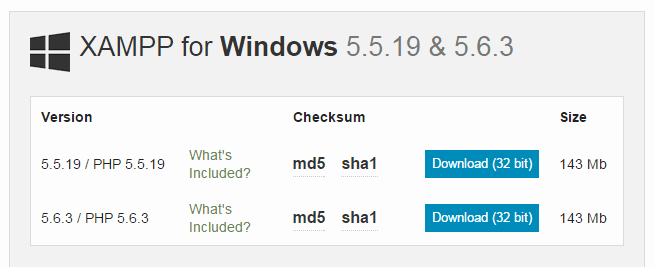
XAMPP for Windows 8.1 is a web development tool which consists of essential softwares and tools such as Apache, MySQL, PHP, Perl, phpMyAdmin, etc. which make it easy to run a web server locally on your computer.
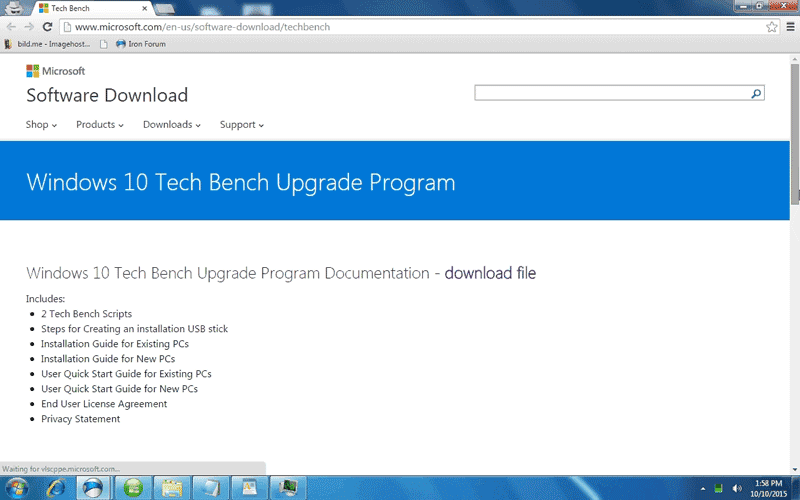
You first need to create a Windows 10 bootable USB drive if you want to install Windows 10 on your computer using a USB flash drive or thumb drive.


If you want to install and use Windows 10 preview along with Windows 7, Windows 8, or Windows 8.1 on your computer, you can follow the steps in the guide below and configure your computer to dual-boot Windows 10 with Windows 7, 8, or 8.1.

ownCloud is a popular open source cloud storage and data synchronization system which you can use to store your files and data such as photos, videos, music, documents, contacts, calendars, etc. at a central location and synchronize them with your laptops, desktops, smartphones, or tablets using the ownCloud sync client.
You can reinstall Windows 10 from the Recovery section inside the PC settings and make your Windows 10 laptop or desktop fast, responsive, and work like a new computer.
